
CineZero: Designing an Autonomous AI Filmmaking Studio with Cost Ceilings and Frame-Continuous Chaining
Table of Contents (4 sections)▸
Most generative video tools treat AI filmmaking as a slot machine: type a prompt, burn credits on an isolated 5-to-8-second clip, watch the character's face morph into someone else in the next shot, and repeat until your budget runs out.
I built CineZero to turn generative video into a disciplined, reproducible filmmaking pipeline: Idea → Story → World → Script → Shots → Generated Clips → Normalized Final Cut.
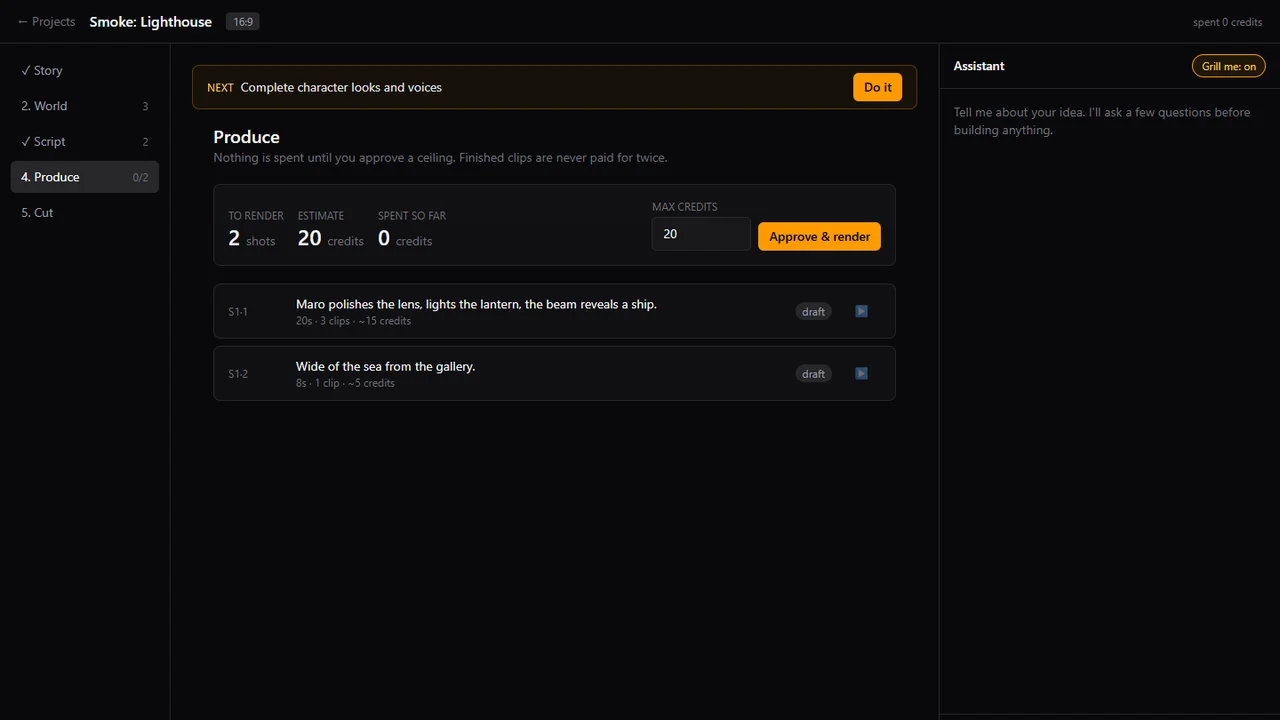
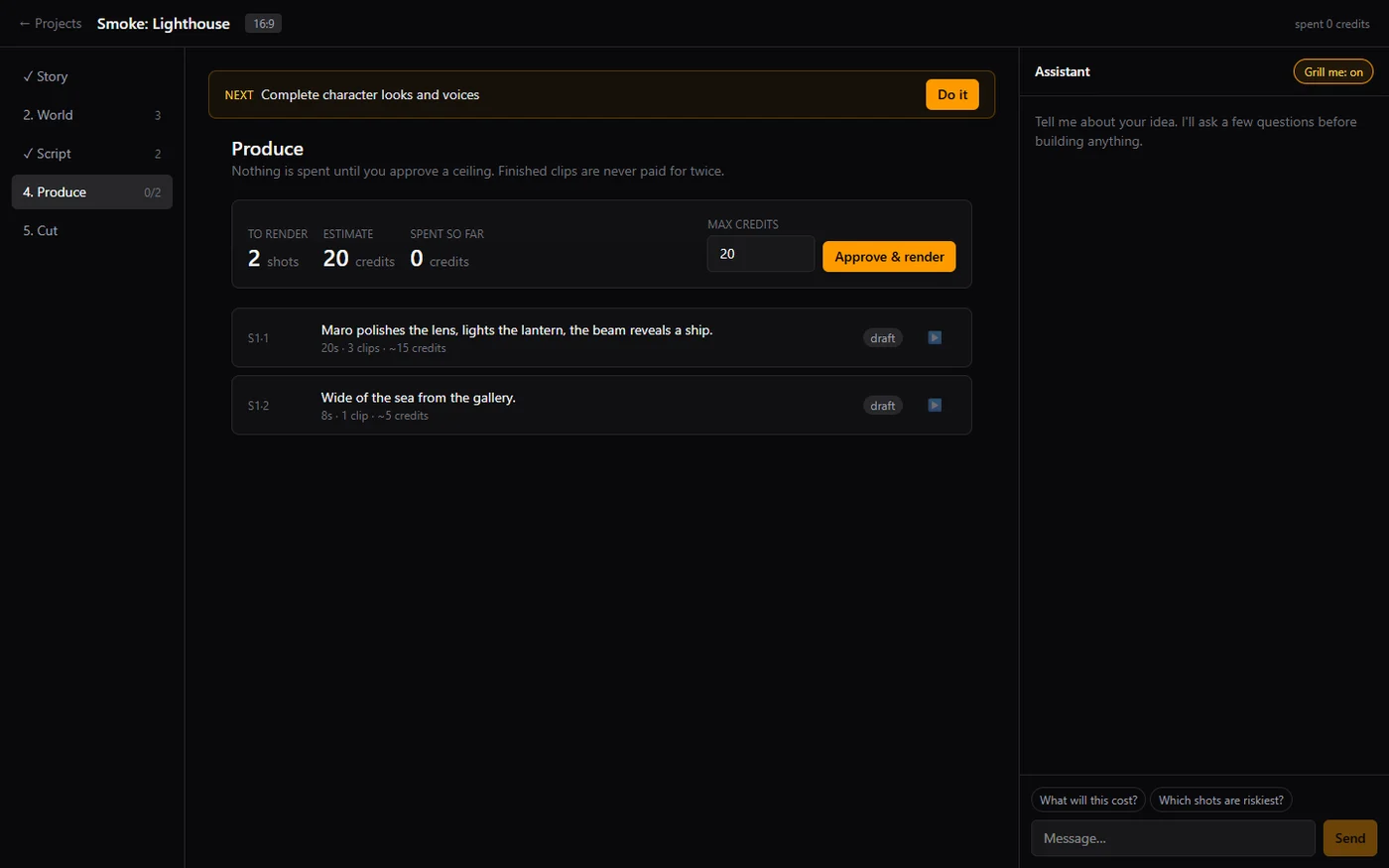 Click to zoomCineZero Produce View — Explicit cost ceiling approval before rendering shots
1. The Five-Stage Production Pipeline#
CineZero structures every film around five deterministic stages, paired with an embedded Director Assistant featuring an interactive "Grill Me" mode that interviews you with structured multiple-choice creative questions before generating a single asset:
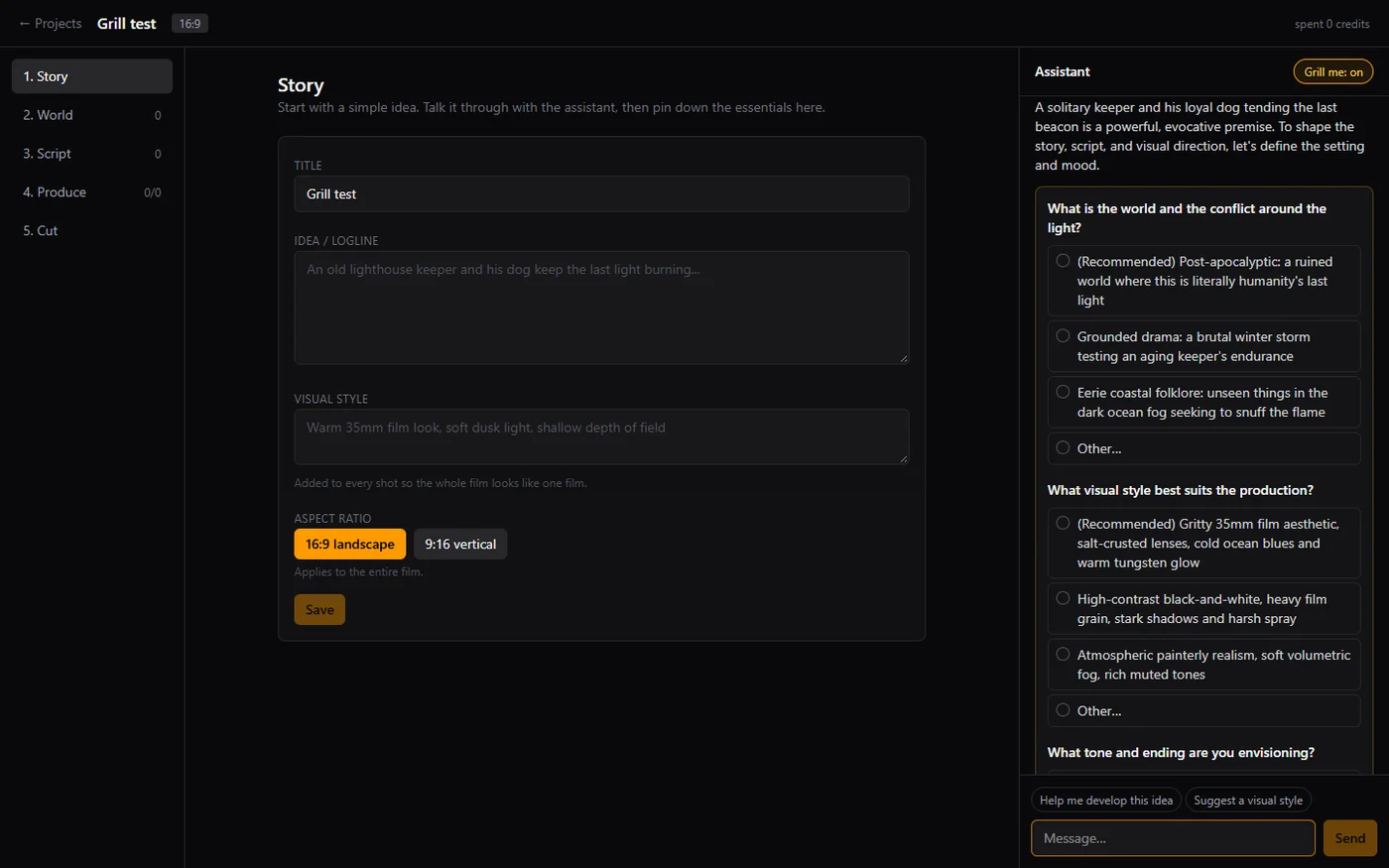 Click to zoomCineZero Interactive Assistant in Grill Me Mode
- Story: Locks down the title, logline, global visual style (e.g., Warm 35mm film look, soft dusk light, shallow depth of field), and a single project-wide aspect ratio (
16:9landscape or9:16vertical) that cannot drift once shots exist. - World: Defines every recurring Character (stable appearance description, base voice, voice traits, Rioplatense/regional performance style, and multi-angle reference sheet) and Location once, automatically injecting them into every shot prompt where they appear.
- Script: Breaks scenes into timed shots with camera direction, action, and dialogue, automatically calculating the exact number of 8-second provider clips (
ceil(N / 8)) required per shot. - Produce: Computes a deterministic credit/cost estimate across all pending shots and blocks execution until you approve an explicit cost ceiling.
- Cut: Normalizes all finished clips (
24 fps, uniform resolution, uniform codec, and short audio crossfades at clip seams) and assembles the final cut via FFmpeg.
2. Solving Character Drift: Reference Sheets & Composed Keyframes#
Why do characters in AI films change clothes, age, or facial structure between Shot 1 and Shot 2? Because video generation endpoints (especially when driven via Google Flow) often cannot accept multi-character reference images alongside a start frame.
CineZero solves this at the World layer:
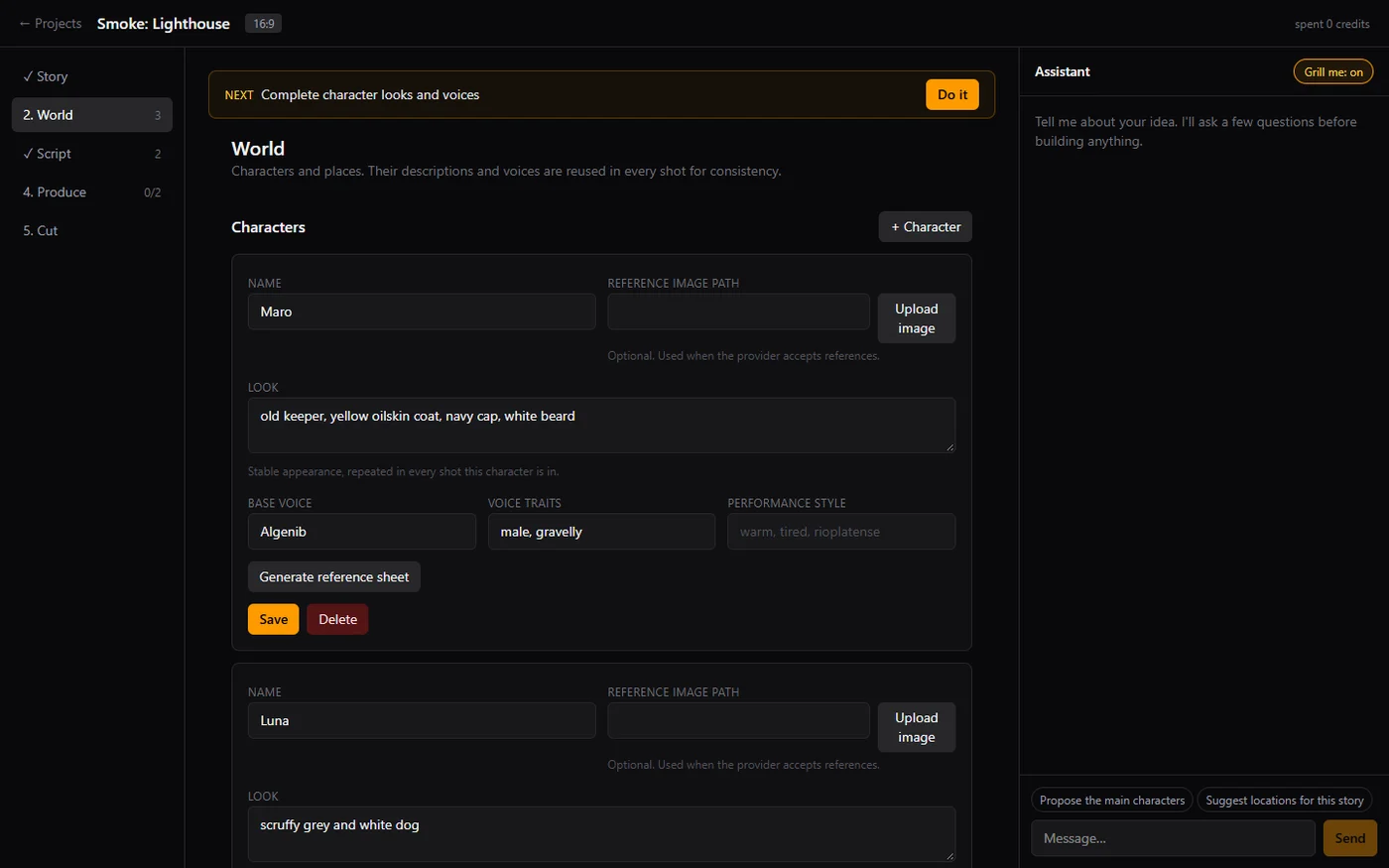 Click to zoomCineZero World Tab — Character appearance and voice consistency
For each character, CineZero generates a canonical multi-angle Character Reference Sheet (full-body front, full-body profile, and high-detail facial close-up on neutral grey):
 Click to zoomGenerated Character Reference Sheet for Maro in CineZero
Before rendering a video clip, CineZero composes a keyframe still conditioned on the character reference sheets and location bible, verifies it, and assigns that exact media ID as the video clip's Start frame:
 Click to zoomKeyframe still composed from Maro's character reference sheet
3. The 8-Second Rule & Sharpest-Frame Seam Chaining#
Because Veo 3.1 bills per generated video clip regardless of whether you request 4, 6, or 8 seconds, CineZero enforces a strict hardware/economic rule: every provider call requests a full 8-second clip. A 20-second dramatic shot is scheduled as ceil(20 / 8) = 3 chained 8-second clips, trimmed to fit only by an explicit editorial decision.
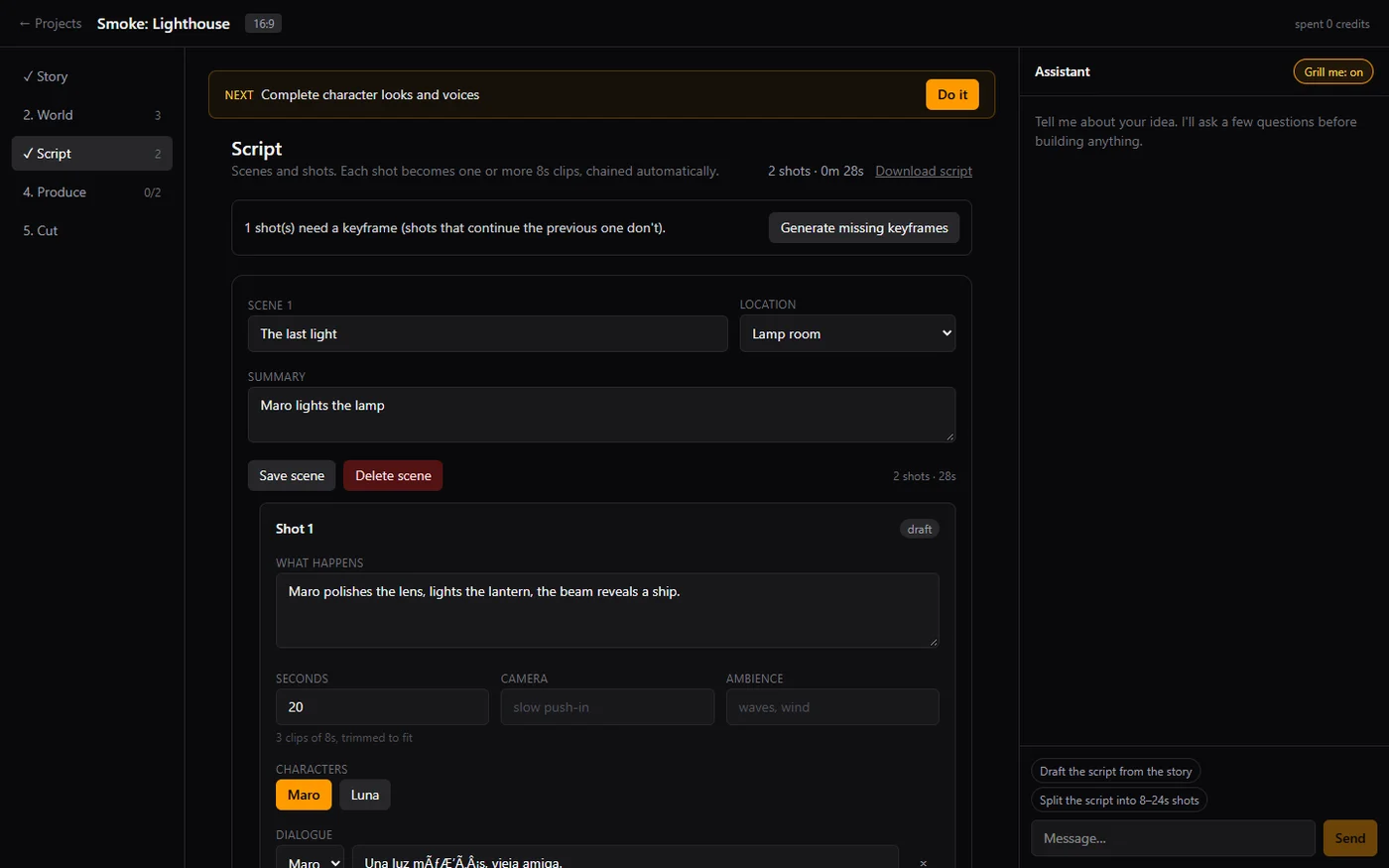 Click to zoomCineZero Script View — Automatic decomposition of a 20s shot into 3 chained 8s clips
When chaining Clip into Clip within a multi-clip shot, taking the very last frame (t = 8.0s) often lands on motion blur or a mid-blink artifact. CineZero inspects the tail window of Clip , selects the sharpest end frame via Laplacian variance analysis, cuts Clip cleanly at that exact frame, and feeds it as the Start frame of Clip .
4. Provider Transparency & Zero Double-Spend Ledger#
Application code in CineZero imports only src/server/video and never knows whether Google Flow, the Gemini/Veo API, or the deterministic fake test provider is behind a call.
Even more importantly, generative video is expensive:
- Mandatory Cost Ceiling: Nothing renders without an approved
maxCreditsceiling covering the estimate. - Content-Addressed Segment Reuse: Every rendered segment is saved on disk using a deterministic content hash. If a multi-shot render is interrupted or a later shot is tweaked, re-running resumes from existing segment files on disk—finished clips are never paid for twice.
- Spend Ledger: Every credit or dollar spent is recorded in an immutable project ledger.