
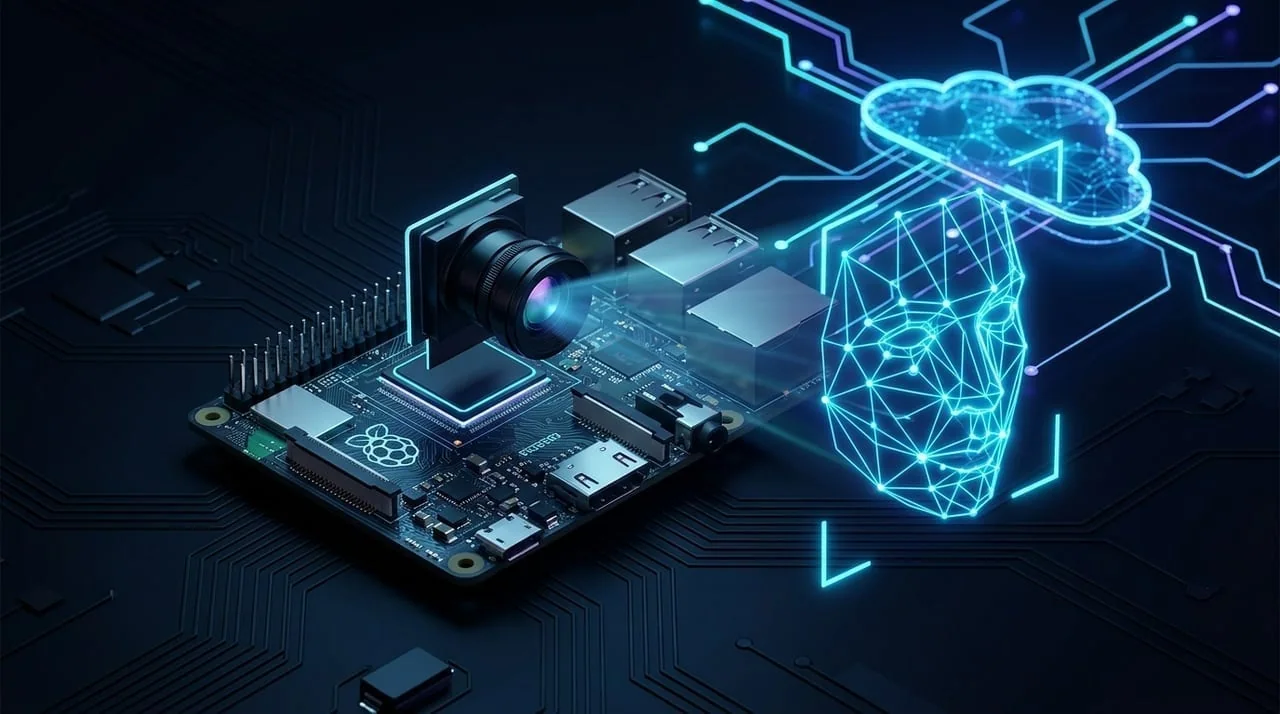
CloudCam: Building a Smart Security Camera with Raspberry Pi & Real-Time Face Recognition
Table of Contents (4 sections)▸
Back in 2015, consumer security cameras were mostly passive DVR boxes—they could record hours of motion-triggered footage to an SD card or FTP server, but they couldn't tell the difference between a family member arriving home, a stray cat, or an unknown intruder.
To explore smart home automation and cloud biometrics, I built CloudCam—a unified smart security camera platform with real-time face recognition, supporting standard USB webcams, RTSP/HTTP IP cameras, and a custom Raspberry Pi hardware camera prototype.
System Architecture: Edge Capture + Cloud Biometrics#
CloudCam was designed around a three-tier architecture so inexpensive edge cameras could offload heavy biometric matching to a central backend:
1. Universal Camera Ingestion & Raspberry Pi Node#
Instead of locking users into proprietary camera hardware, CloudCam allowed registering three types of video sources in a single dashboard:
- Custom Raspberry Pi Prototype: A standalone Linux edge node equipped with the Raspberry Pi Camera Module that captured frames on motion events and streamed snapshots to the CloudCam server.
- IP Cameras: Any standard network camera exposing an MJPEG or snapshot stream.
- Browser Webcams: Instant zero-hardware testing directly from a laptop or spare phone camera.
2. Biometric Enrollment & Recognition via Kairos#
When CloudCam detected a person in frame, it extracted the image and dispatched it to the Kairos Face Recognition pipeline:
- Subject Enrollment: Users could upload or tag reference photos of trusted family members or employees from the AngularJS dashboard to build a private gallery.
- Real-Time Identification: Incoming camera frames were matched against the enrolled gallery, logging confidence scores, timestamps, and bounding-box snapshots in PostgreSQL and triggering instant alerts when an unrecognized face was detected.
Video Walkthrough#
You can watch the full live demonstration of the CloudCam web dashboard, face enrollment workflow, and Raspberry Pi camera prototype on YouTube: