
PdfMaster: Building a Zero-Upload Client-Side PDF Editor with pdf.js, pdf-lib, and Zustand
Almost every "free online PDF editor" follows the same dark pattern: you upload a sensitive contract or financial statement to a remote server, spend ten minutes annotating or reordering pages, and hit a paywall modal demanding a monthly subscription just to download your own file.
I built PdfMaster (PDF Editor Pro) to provide a zero-upload, privacy-first PDF editing suite that runs 100% client-side inside the browser—capable of rendering, searching, annotating, reordering, and exporting multi-page PDF documents without a single byte leaving your device.
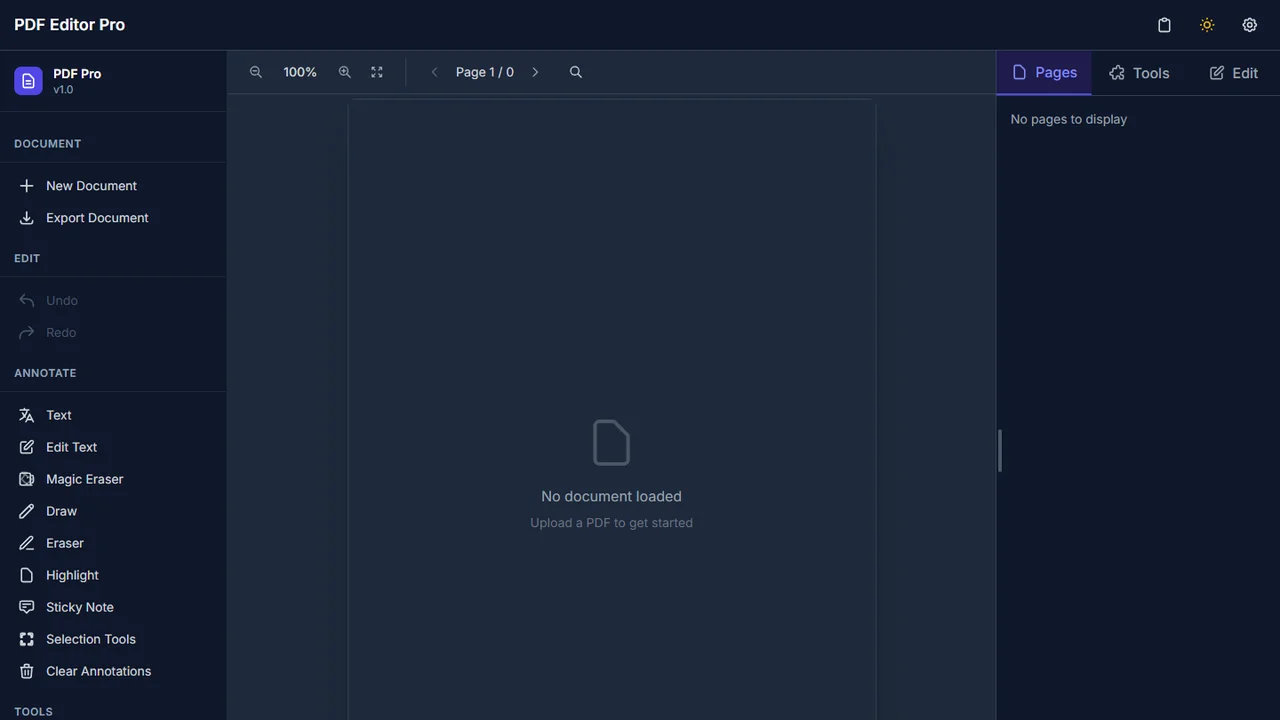
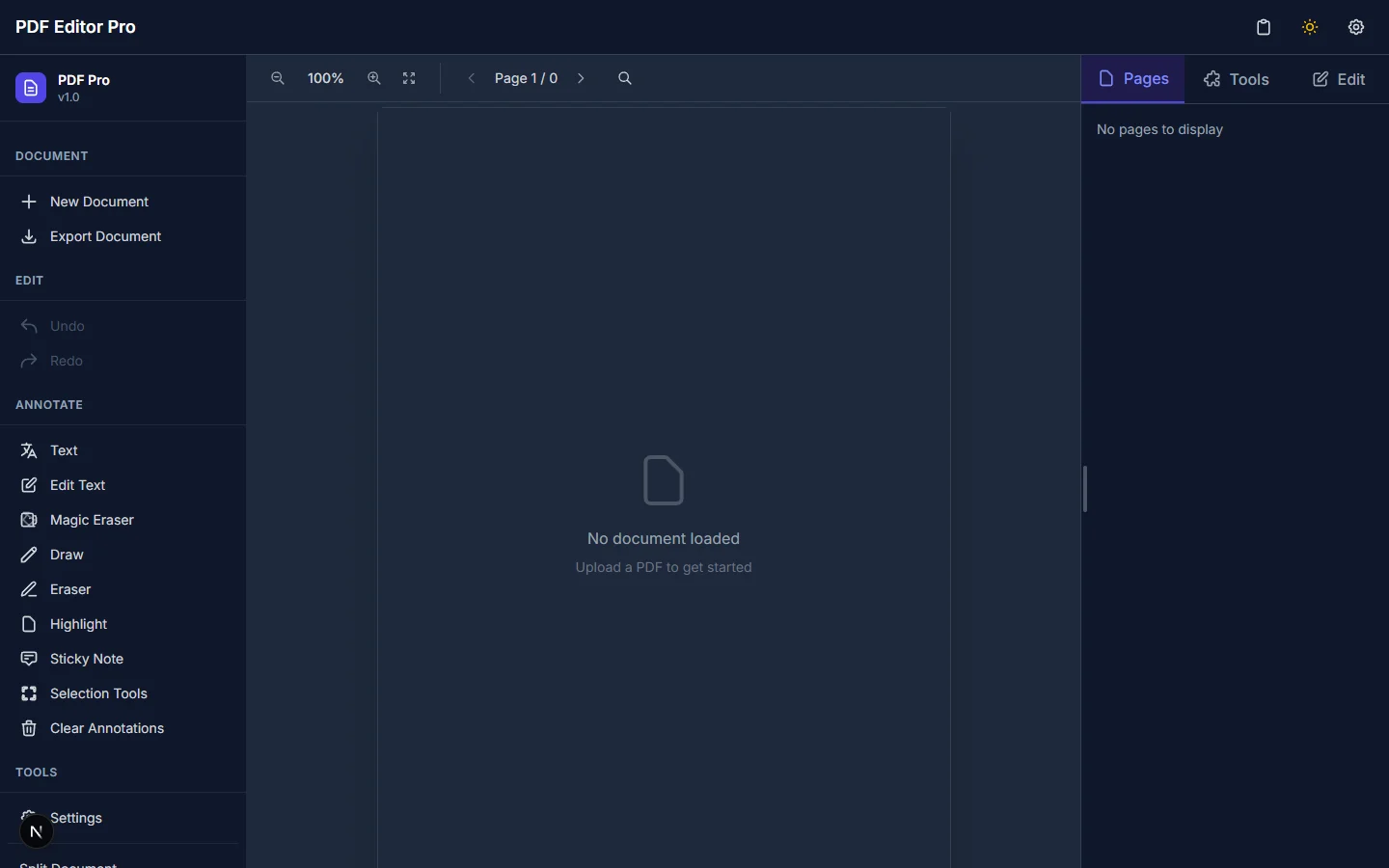 Click to zoomPdfMaster Interactive Document Editor with live multi-page PDF rendering
Dual-Engine Browser Architecture: pdf.js + pdf-lib#
A browser-native PDF editor has to solve two fundamentally different problems: high-DPI visual rendering and lossless binary PDF mutation. PdfMaster separates these responsibilities across two specialized engines coordinated by Zustand state stores (documentStore.ts and historyStore.ts):
- Viewport Rendering & Full-Text Search (
pdfjs-dist):- Renders each page onto hardware-accelerated HTML5 canvases with crisp zoom scaling, lazy viewport virtualization, and a live thumbnail strip (
PageSidebar). - Extracts text layer geometry so pressing
Ctrl+F(SearchPanel.tsx) highlights and jumps across matches instantaneously across hundreds of pages.
- Renders each page onto hardware-accelerated HTML5 canvases with crisp zoom scaling, lazy viewport virtualization, and a live thumbnail strip (
- Binary AST Manipulation (
pdf-lib):- When pages are reordered (
@hello-pangea/dnd), rotated, deleted, or merged with another uploaded PDF, or when vector text and annotations are committed,pdf-libmutates the underlying PDF object tree directly in memory and serializes a clean binary.pdfdownload.
- When pages are reordered (
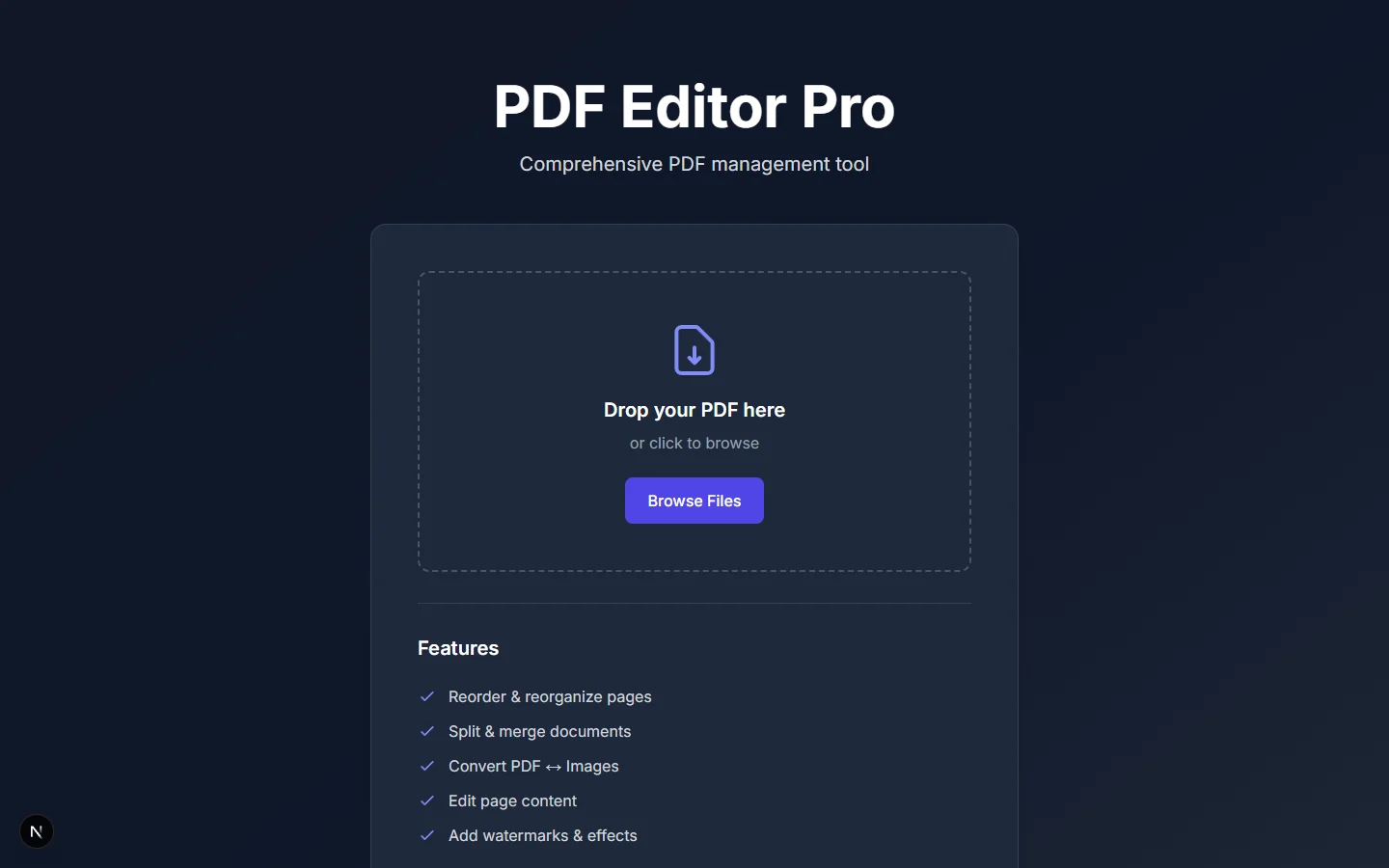 Click to zoomPdfMaster Landing Page & Feature Overview
Desktop & Mobile Ergonomics#
PdfMaster was designed to feel like a native desktop utility while remaining fully usable on tablets and phones:
- Command History (
Ctrl+Z/Ctrl+Y): Full undo/redo stack (useHistoryStore) tracking page order permutations and annotation edits. - Resizable Split Panels & Dark Mode: Drag-resizable sidebars, keyboard navigation (
PageUp/PageDown,+/-zoom), and adaptive mobile toolbars (MobileToolbar.tsx).
The full source code is available on GitHub at daniazar/PdfMaster.